📌 Table of Contents
🔹 Overview: What improved in Gemini image generation, and why it matters
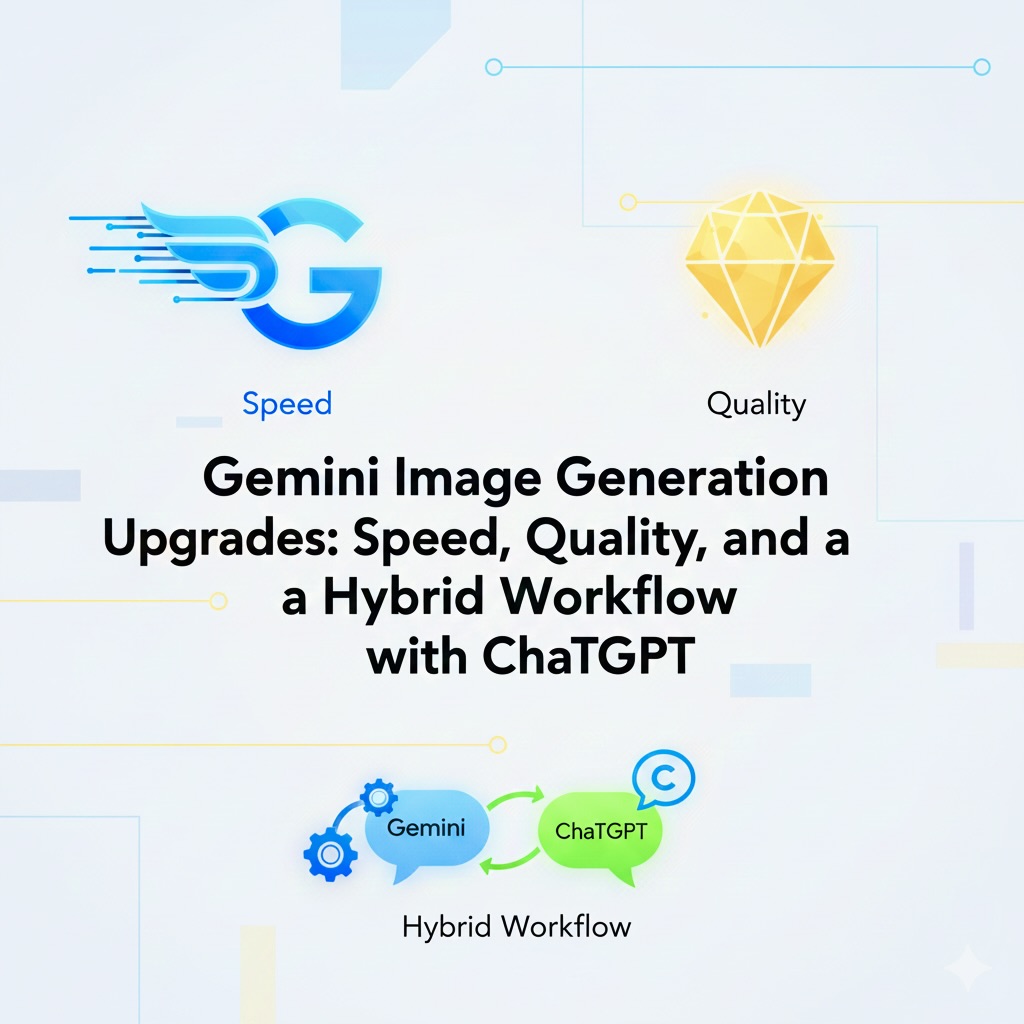
🔹 Core Upgrades: quality, text accuracy, prompt-following, and speed
🔹 Editing Workflow: chat-based refinement + partial fixes (mask/inpaint)
🔹 Trust & Transparency: SynthID watermark detection
🔹 Prompt Writing Basics: 5W1H + style/lighting/composition + negative prompts
🔹 Output Control: iteration method + aspect ratio for thumbnails and social posts
🔹 Gemini vs ChatGPT: speed-first drafts vs precision finishing
🔹 Hybrid Method: Gemini drafts (10–30) → ChatGPT clean finishing (template)
🔹 Practice: build a 16:9 YouTube thumbnail step-by-step
🔹 Comprehension Quiz
🔹 Summary
🔹 Quiz Answers
🔍 Overview
In this lesson, you will learn how Gemini’s image generation became more practical for real work: higher visual quality, better text in images, stronger instruction-following, and faster generation. You will also learn how to compare Gemini and ChatGPT for image tasks, and how to use a hybrid workflow: “Gemini for many fast drafts, ChatGPT for careful finishing.” (Google Developers Blog)
📖 Lesson Content
🗣 (S)
I keep hearing that “Gemini got much better at images.” But what does that really mean? Is it just “prettier pictures,” or is it actually useful for work?
🎓 (T)
It is more than “prettier.” The big change is that Gemini’s image generation is closer to a professional tool now. We can break it into six upgrades:
Log in to access this content if you are a paid member. Login